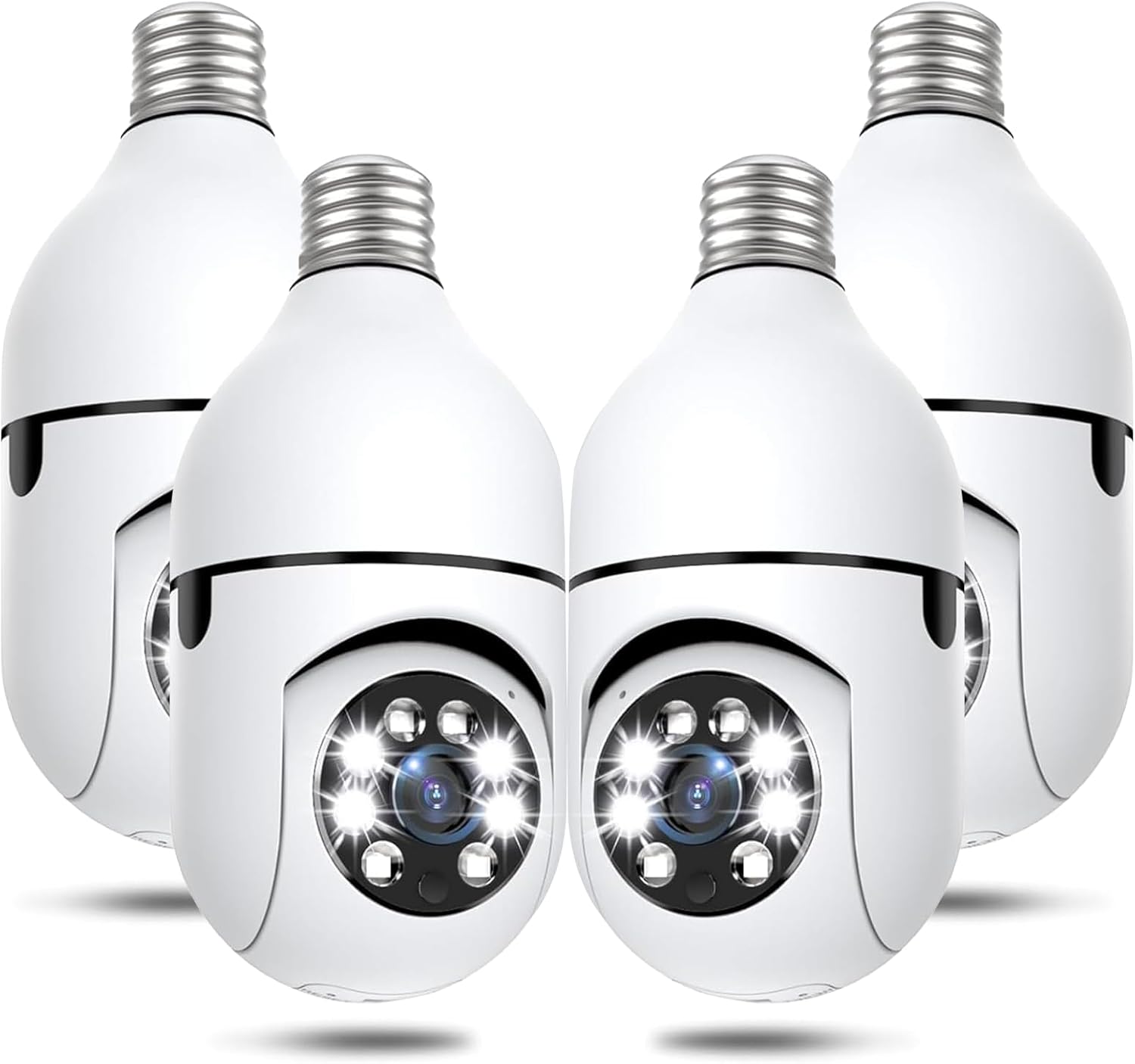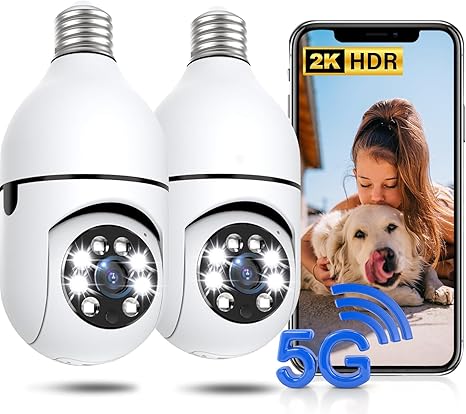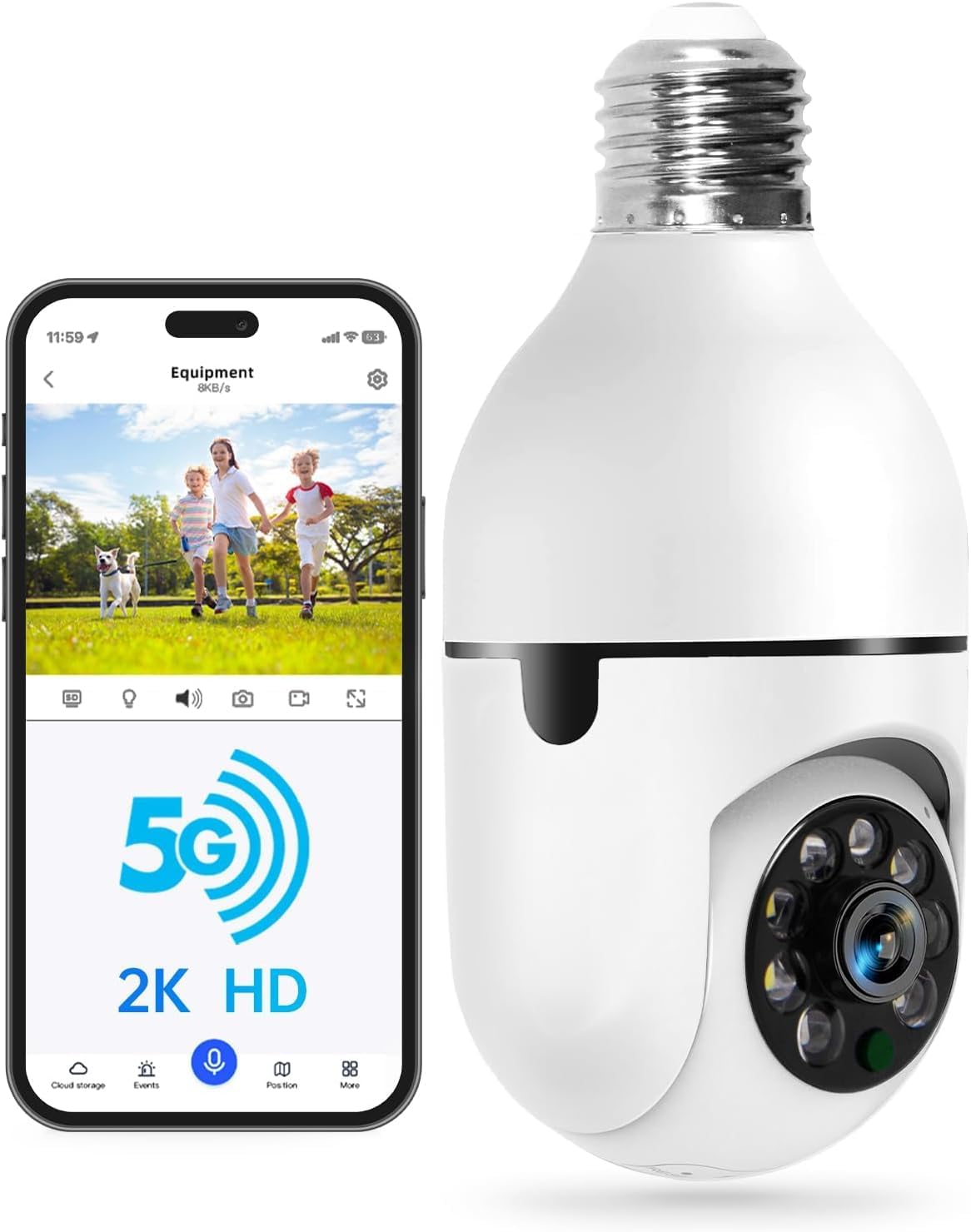
2K Light Bulb Security Camera with Dual-Band 5G WiFi and Alexa
WESECUU · 355° PTZ · E26/E27 Socket + Adapter · Colour & IR Night Vision · Two-Way Talk · Human Detection · Siren Alarm · Eseecloud App
Pack size: 1-Pack
- 5G and 2.4GHz Dual-Band WiFi
- 2K Video with Colour and Infrared Night Vision
- 355° Pan, 90° Tilt and Human Detection
- Two-Way Talk, Siren and White Light
2K Light Bulb Security Camera with Dual-Band 5G WiFi and Alexa
5G and 2.4GHz Dual-Band WiFi
The camera joins either band and uses the stronger one, so the live view stays smooth on a busy home network. Screw it into the supplied E27 base, plug it in, and connect it through the Eseecloud app — no hub, no recorder, no wiring to the door.
2K Video with Colour and Infrared Night Vision
A 2K sensor records sharper detail than 1080p in daylight, and the camera switches between colour and infrared at night. It holds a usable picture out to about 33 ft in low light.
355° Pan, 90° Tilt and Human Detection
The head sweeps 355° horizontally and flips 90° vertically, which covers the whole approach from one socket. Switch on human-body detection and the camera screens out moving branches and passing cars, so the alerts you get are usually people.
Two-Way Talk, Siren and White Light
A built-in microphone and speaker let you answer the door from your phone. Trigger the alarm and the camera sounds a siren and fires its white light together — usually enough to send someone back down the path.
Multi-User Sharing, microSD and Cloud
Share the feed with the rest of the household. Record to a microSD card (Class 10 or faster, FAT32 — not included) or use cloud storage, which is a paid subscription bought per camera and linked to that one camera. Works with Alexa.
Two Limits Worth Knowing
This is a bulb camera, not a light bulb: maximum brightness is 300 lumens at 3W, so the manufacturer intends it as auxiliary lighting rather than your main porch light. It is also not waterproof — outdoors it needs a waterproof lampshade over the fitting.
Technical details
| Resolution | 2K HD |
|---|---|
| Connectivity | 2.4GHz & 5GHz dual-band WiFi |
| Fitting | E26 / E27 socket (adapter included) |
| View | 355° pan / 90° tilt (PTZ) |
| Night Vision | Colour and infrared, up to 33 ft |
| Detection | Motion and human-body detection |
| Audio | Two-way talk (microphone & speaker) |
| Alarm | Siren plus white light |
| Light Output | 300 lumens, 3W — auxiliary lighting only |
| Weatherproof | Not waterproof — use a waterproof lampshade outdoors |
| Storage | microSD 8–256GB, Class 10+, FAT32 (not included) + optional cloud |
| Cloud | Paid subscription, one per camera |
| Voice Control | Works with Alexa |
| Power | AC 110–240V through the E26/E27 base |
| App | Eseecloud (iOS & Android) |
What you get
- 1 × Light Bulb Camera
- 1 × E26/E27 Socket Adapter
- 1 × User Manual
SD cards, cloud subscriptions and mounting extras are sold separately where noted. Specifications are compiled from the manufacturer listing — confirm anything critical with our team before ordering.
FAQ for this camera
Do I need a monthly subscription to use these cameras?
No. Basic live viewing, motion alerts and local recording work with no monthly fee. Cloud storage is optional, and some premium cloud features — such as 911 emergency dial access — require a subscription, which is always optional.
Is a microSD card included?
The card is not included in the package. You can buy a microSD card (up to 128GB) to record video locally. Some models support capacities of 4GB up to 256GB — check the specs on the product page.
How much does shipping cost?
Shipping is calculated based on your location and the items in your order. You will always know the shipping price before you purchase.
The camera will not connect to WiFi.
Our cameras support both 2.4G and 5G WiFi. Try switching your WiFi to 5G, then reset the camera and add it again: press the reset button for 5 seconds, wait for the beep, and allow 1–2 minutes for it to restart. Note that the WiFi name and password cannot contain special symbols.
The camera cannot detect motion.
Open the app and go to settings → motion detection alert → detection sensitivity level, then raise it to the high level. If alerts still do not arrive, move the router closer to the camera — alerts depend on your network, not on the cloud subscription.
Must I pay for cloud service with the light bulb camera?
No. If you do not want cloud service, insert a microSD card as your storage method. The camera works with a 128GB micro TF card, which is not included in the package.